


Download Twitter Mobile – Free, Secure, and Fast Micro‑blogging App for Android & iOS
Overview
Twitter Mobile brings the power of the world’s most influential micro‑blogging platform straight to your pocket. Launched in 2006, Twitter has reshaped how people share news, opinions, and moments in real‑time, using concise messages limited to 280 characters (the legacy 140‑character limit is still honored for legacy accounts). The mobile app mirrors the sleek, functional web interface while adding native gestures, push notifications, and seamless media integration for photos, videos, and GIFs.
Creating a profile is as simple as picking a unique @username, entering an email address, and confirming your identity. Once logged in, you can follow friends, journalists, brands, or any public figure you find interesting. Their tweets instantly appear on your timeline, allowing you to stay updated on breaking news, trending topics, and personal updates without the clutter of longer posts.
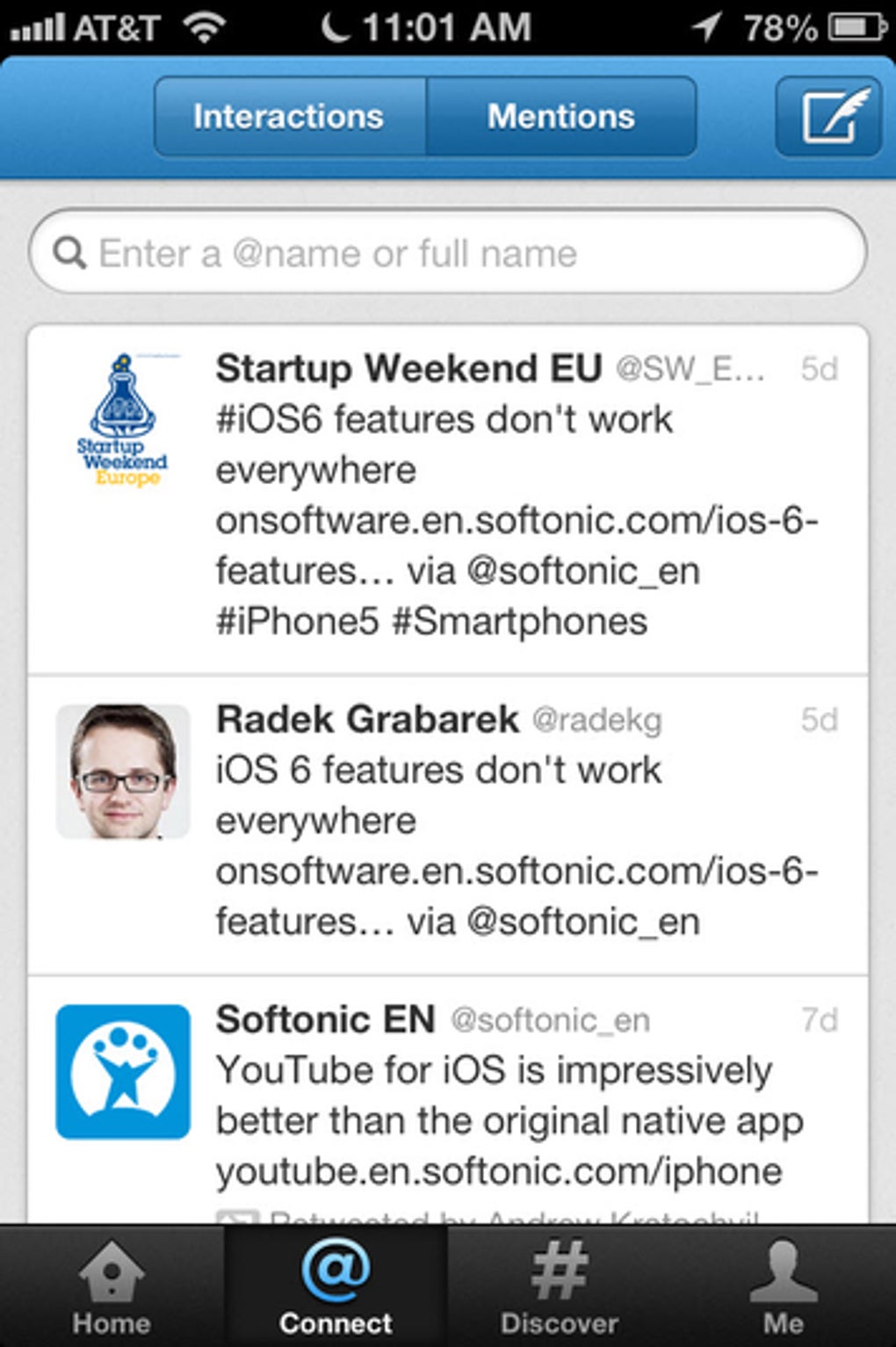
Interaction is at the heart of Twitter Mobile: you can reply to a tweet by mentioning the user’s handle, retweet (share) content with your followers, or mark a post as a Favorite for later reference. Direct Messages (DMs) let you converse privately, while Lists help you organize accounts into categories such as “Tech News,” “Travel Inspiration,” or “Family.” The app also supports customizable themes, dark mode, and the ability to pin important tweets to the top of your profile.
Though Twitter’s popularity sometimes leads to occasional outages—especially during major global events—the platform remains a reliable channel for real‑time conversation, brand engagement, and community building.
Whether you’re a casual user sharing weekend photos or a professional leveraging hashtags for marketing, Twitter Mobile offers a secure, constantly updated environment that keeps you connected wherever you go.
Key Features of Twitter Mobile
- Real‑time Timeline: Instantly view tweets from accounts you follow, with algorithmic suggestions to discover new voices.
- Rich Media Support: Attach photos, videos, GIFs, and polls directly from your device’s gallery or camera.
- Push Notifications: Get alerts for mentions, likes, retweets, and breaking news in your chosen topics.
- Direct Messages (DMs): Secure private conversations with individuals or groups, with optional media sharing.
- Lists & Moments: Curate collections of accounts and explore curated stories for deeper context.
- Hashtag & Trend Tracking: Follow global and localized trends, with the ability to search historic tweets.
- Customizable Themes: Switch between light, dark, and custom color schemes to suit your visual preference.
- Advanced Privacy Controls: Manage who can see your tweets, tag you, or send you DMs.
- In‑app Analytics (for Professionals): Track tweet impressions, engagement rates, and follower growth.
- Seamless Integration: Share content directly to other social platforms, or import media from third‑party services like Instagram and YouTube.
Each of these features is designed to make micro‑blogging fast, intuitive, and secure. The real‑time timeline keeps you updated with the latest conversations, while the media support ensures that your posts are visually engaging. Push notifications are fully configurable, letting you prioritize critical updates without being overwhelmed. Direct Messages use end‑to‑end encryption for private chats, and the list functionality helps you cut through the noise by organizing accounts into meaningful categories. Whether you are an influencer, a marketer, or just a casual user, Twitter Mobile’s feature set adapts to your needs, offering a blend of simplicity and powerful tools that keep you connected to the global conversation.
Installation, Compatibility, and How to Get the Most Out of Twitter Mobile
Downloading the App: Twitter Mobile is available for free on both the Google Play Store (Android) and the Apple App Store (iOS). Simply search for “Twitter,” verify the developer is “Twitter, Inc.,” and tap “Install.” The download size ranges from 60‑80 MB, depending on device architecture, and the installation process takes less than a minute on a typical 4G or Wi‑Fi connection.
System Requirements (itemprop="operatingSystem"): The app requires Android 6.0 (Marshmallow) or later, and iOS 13.0 or later. It runs smoothly on smartphones, tablets, and even on some Chromebook models that support Android apps. For best performance, ensure your device has at least 2 GB of RAM and 200 MB of free storage after installation.
First‑time Setup: After launching the app, you’ll be prompted to either sign in with an existing Twitter account or create a new one. The onboarding flow walks you through selecting a username, adding a profile picture, and optionally linking contacts to find friends who already use Twitter. You can also import your interests to receive tailored suggestions for accounts to follow.
Core Usage Tips:
- Use the “What’s happening?” field at the top to compose tweets. Remember the character limit—280 characters for most accounts—so keep it concise.
- Tap the retweet icon to share content, and add a comment if you want to add context (known as “Quote Tweet”).
- Explore the right‑hand column (or swipe left on mobile) to view your follower/following counts, profile stats, and trending topics.
- Enable “Turn on Notifications” for high‑priority accounts or hashtags you care about.
- Create Lists via your profile menu to organize content by theme—this helps reduce timeline clutter.
Keeping the App Secure and Updated: Twitter Mobile receives regular security patches and feature updates. Enable automatic updates in your device’s app store settings to ensure you always have the latest version, which includes bug fixes, performance improvements, and new functionalities such as Spaces (live audio conversations). Additionally, enable two‑factor authentication (2FA) in the account settings to protect against unauthorized access.
By following these installation and usage guidelines, you’ll enjoy a fast, reliable, and secure Twitter experience that maximizes the platform’s social potential while safeguarding your personal data.
Pros, Cons, Frequently Asked Questions, and Final Thoughts
Pros
- Free to download and use with optional premium features for businesses.
- Instant real‑time updates and push notifications keep you informed.
- Rich media support enhances engagement and visual storytelling.
- Robust privacy controls and two‑factor authentication for security.
- Cross‑platform compatibility (Android, iOS, and web).
Cons
- Occasional service outages during high‑traffic events.
- Character limit may feel restrictive for longer content.
- Algorithmic timeline can sometimes hide tweets from less‑active accounts.
- In‑app ads may be intrusive for some users.
- Direct Message requests can be overwhelming without proper filters.
Overall Verdict: Twitter Mobile remains the premier micro‑blogging app for anyone who wants to stay connected to real‑time conversations, breaking news, and community trends. Its feature‑rich environment, combined with regular updates and strong security, outweighs occasional downtime and the inherent brevity of tweets.
Frequently Asked Questions (FAQ)
Can I use Twitter Mobile without an internet connection?
No. Twitter is a live, real‑time service that requires an internet connection (Wi‑Fi or cellular data) to fetch and post tweets. However, you can view previously cached tweets while offline, but new content won’t load until you reconnect.
How do I enable two‑factor authentication on the mobile app?
Open the app, go to Settings > Security & Account Access > Two‑Factor Authentication. Choose your preferred method (SMS, authentication app, or security key) and follow the on‑screen prompts to complete the setup.
Is there a way to schedule tweets from the mobile app?
Yes. Twitter’s native “TweetDeck” mobile integration or the built‑in “Schedule Tweet” feature (available for Twitter Blue subscribers) lets you set a future date and time for your tweet to be published automatically.
Can I export my tweet history from the app?
Direct export isn’t available within the mobile app, but you can request an archive of your data from the web version (Settings > Your Account > Download an archive of your data). The resulting file contains all your tweets, DMs, and media.
How does Twitter Mobile handle ads and sponsored content?
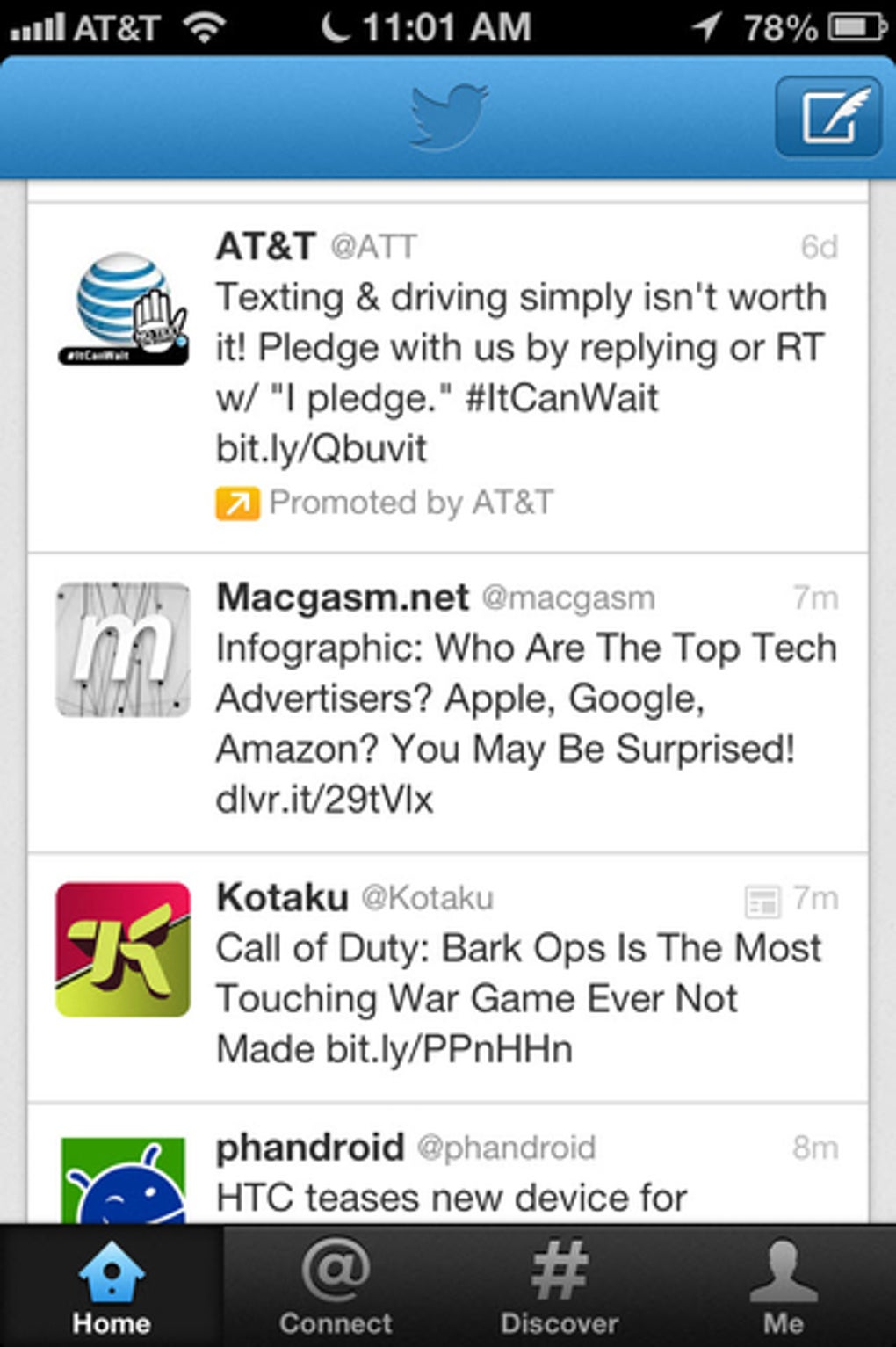
Sponsored tweets appear in the timeline labeled as “Promoted.” You can hide individual ads by tapping the three‑dot menu on the tweet and selecting “Hide ad.” Twitter also offers ad‑preferences where you can control personalization based on your activity.
Conclusion & Call to Action
Twitter Mobile continues to set the standard for real‑time social interaction. Its blend of simplicity, powerful media tools, and robust security makes it indispensable for anyone who wants to stay informed, share thoughts, or grow an online presence. If you haven’t yet experienced the immediacy of Twitter’s global conversation, now is the perfect time to download Twitter Mobile for free, enable two‑factor authentication for added safety, and start exploring the endless streams of information that shape our world. Join millions of users today—tweet, retweet, and engage with the topics that matter most to you.



.png)



